Our Programs
Simple tools that help first responders understand the people they serve before a crisis begins. Every program is paid for by partner departments, schools, and organizations.
S.A.V.E.S Project ID
S.A.V.E.S Project ID has three parts that work together, from the moment a responder meets a participant to finding someone who has wandered.
Encounter
QR codes on an ID card, lanyard tag, and weather-resistant stickers. A responder scans the code or enters the participant number to see who the person is and how to help.
Detect
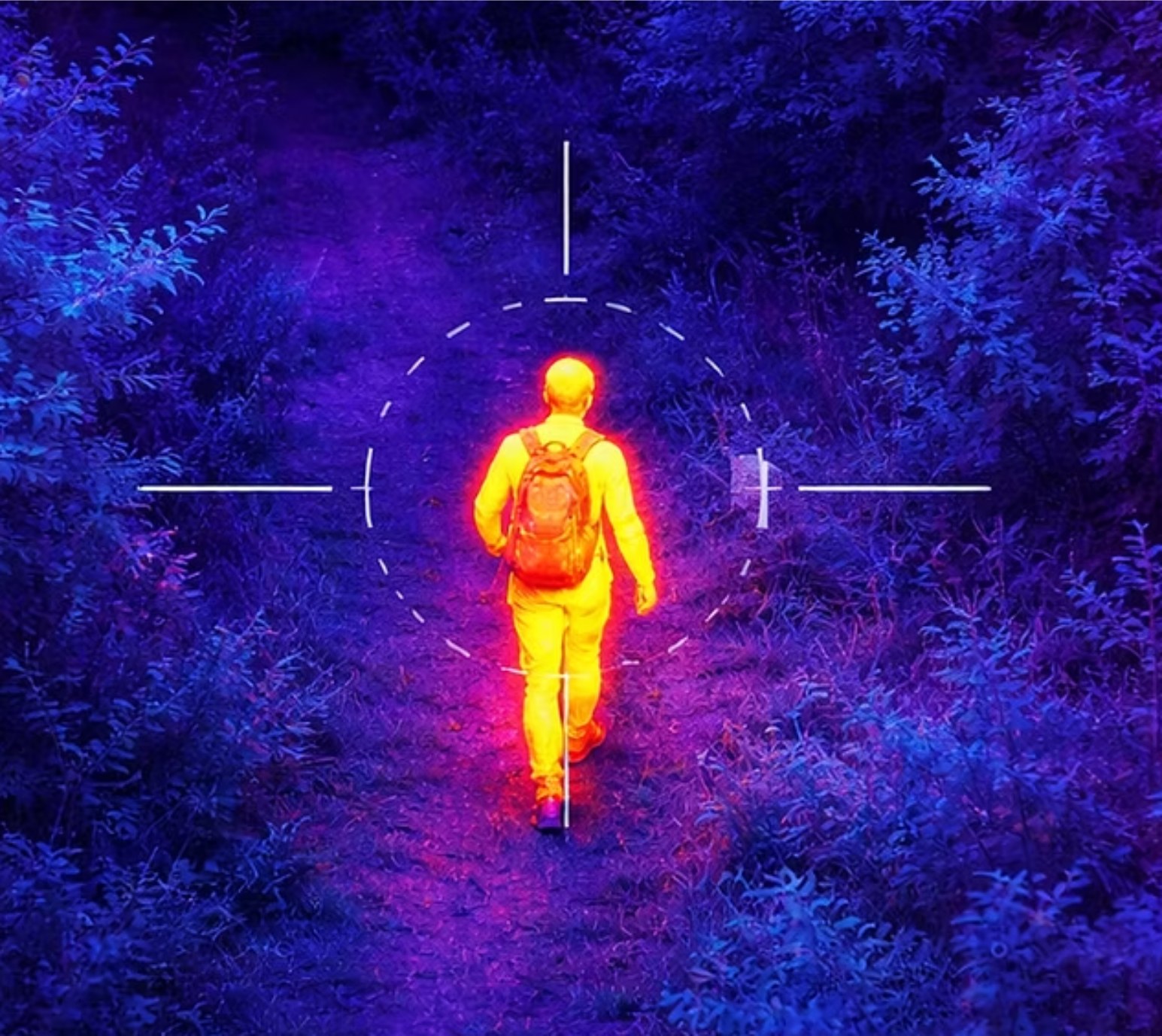
Drone technology with thermal cameras to help find a participant who has wandered. Detect is the next part to launch.
Locate
GPS technology to help families and responders find a participant faster. Locate will follow Detect.
How Encounter Works
Every participant receives a participant number made of two letters and four numbers. It is printed on an ID card, a lanyard tag, and weather-resistant QR stickers.
When a responder scans the code or enters the number, they see the participant's medical conditions, stressors, and calming strategies, along with who to call. Anyone else who finds the ID sees only emergency contacts and the city the participant lives in.
What the ID Card Shows
First and last name, birthday, participant number, and a QR code to the public database. No photo.
Where to Keep It
Carry the card or wear the lanyard tag. Put QR stickers on backpacks, bikes, wheelchairs, and other everyday items.

Blue Envelope Program
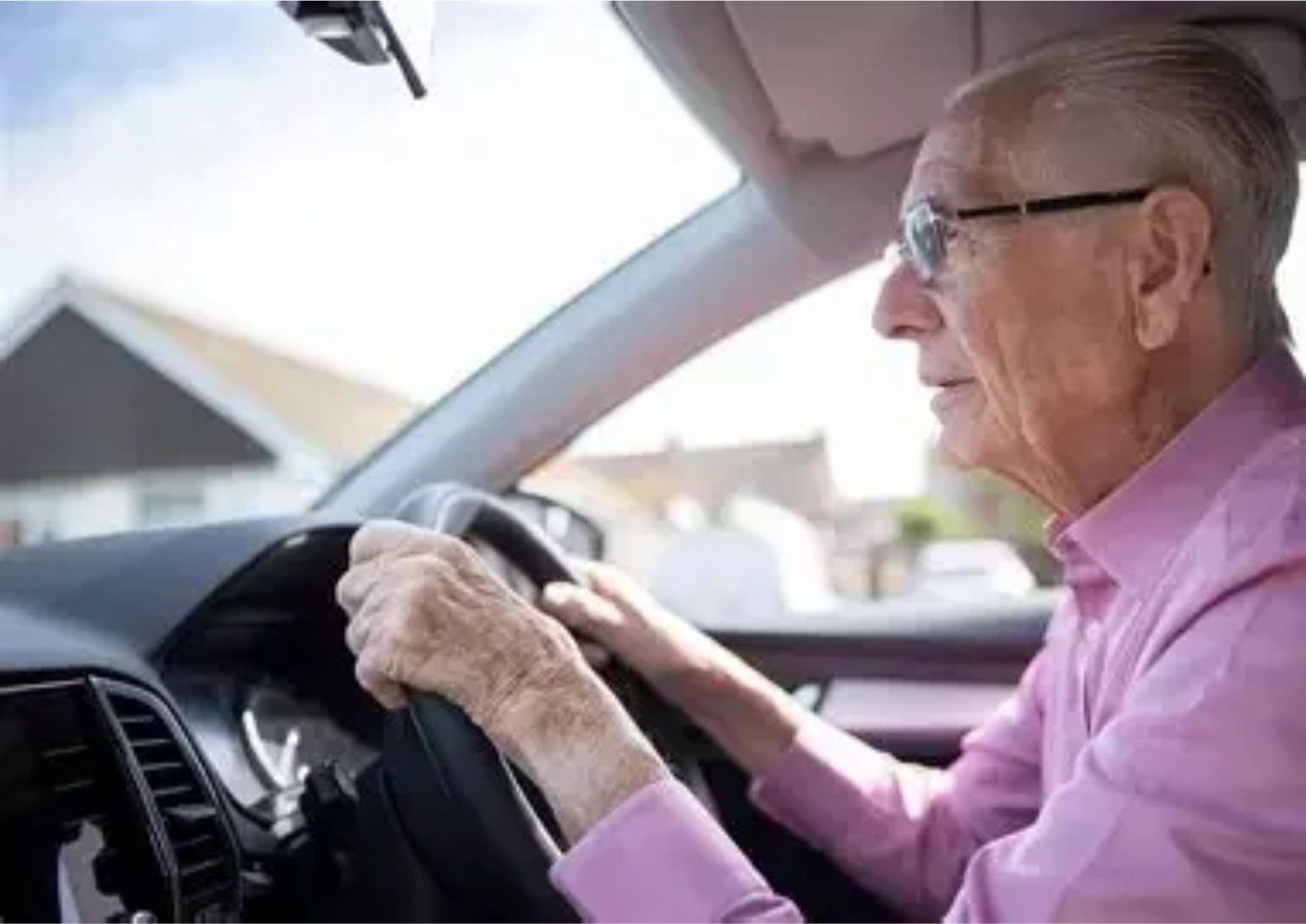
A traffic stop or a crash can be stressful for anyone. For a driver with autism, dementia, or communication challenges, it can be overwhelming.
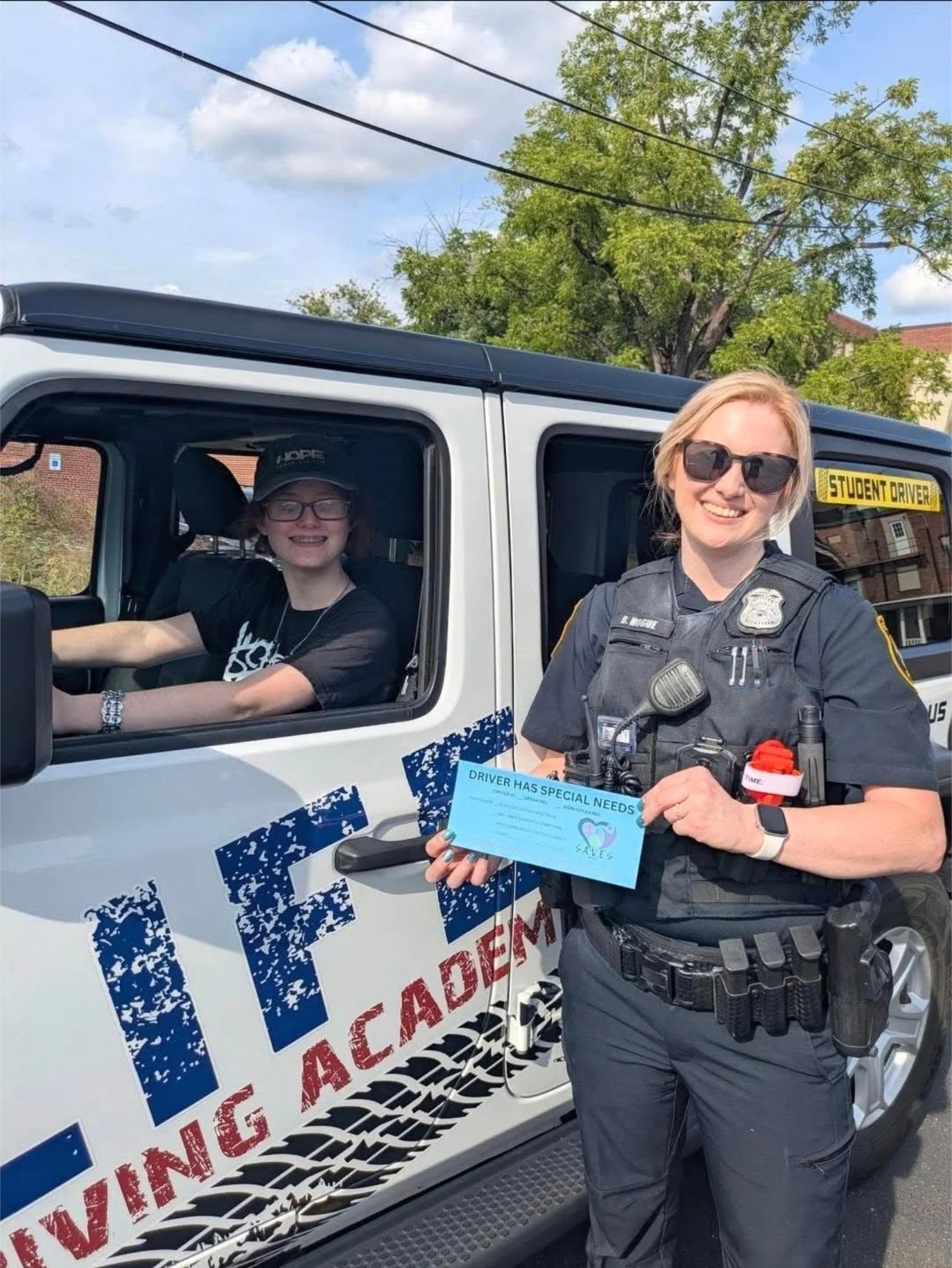
The outside of the Blue Envelope says “Driver Has Special Needs.” Inside are a copy of the driver's license, the registration, proof of insurance and emergency contact information, and the front has boxes to check, such as speaking or non-speaking. Handing it over says, without words, that the driver may need a little more time and patience.
What Comes With the Blue Envelope Program
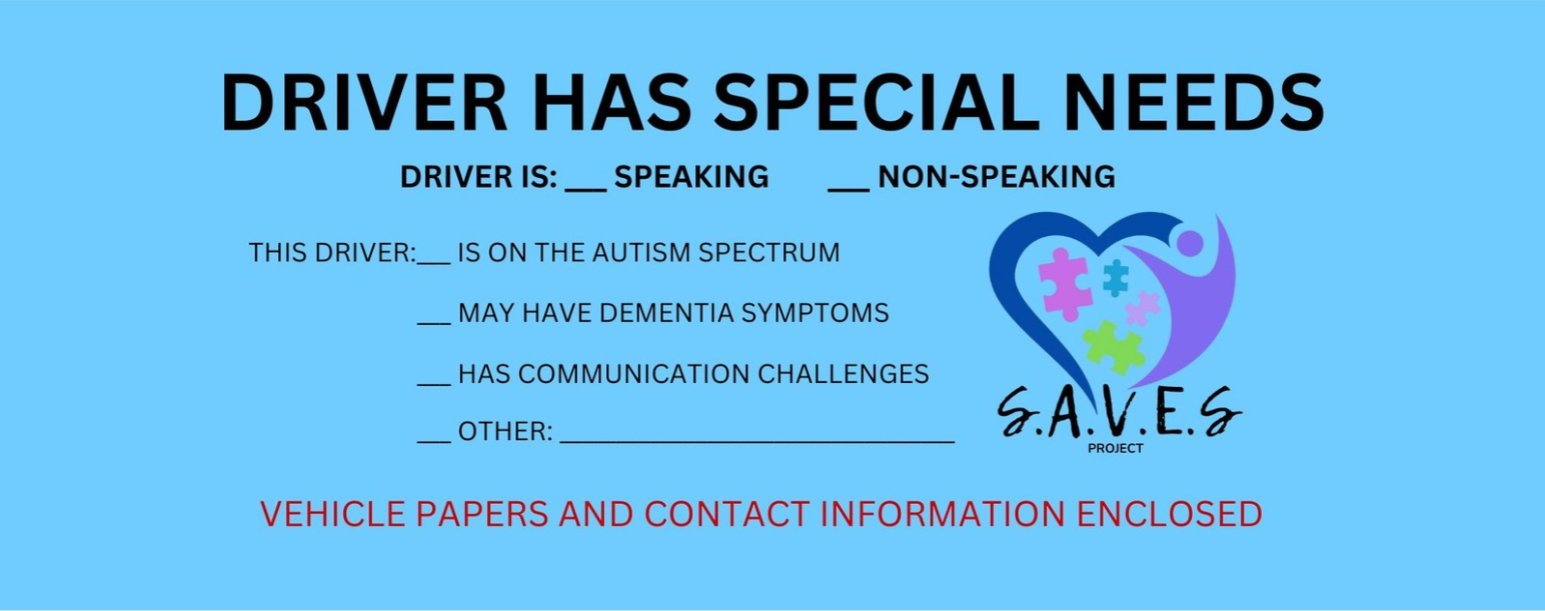
- A Copy of the Driver's License
- Vehicle Registration
- Proof of Insurance
- Emergency Contact Information
Who to call, with the speaking or non-speaking box checked on the front of the envelope - Vehicle Window Decal
A discreet S.A.V.E.S Project decal for the lower left corner of the back window, so officers know to check the database before they reach the car
At a Traffic Stop
For drivers of every age, from new drivers to older adults.
- 1
Keep It on the Sun Visor
Keep it somewhere you can reach easily and calmly, such as the driver’s sun visor, so you don’t have to search for papers.
- 2
Say, Show or Point
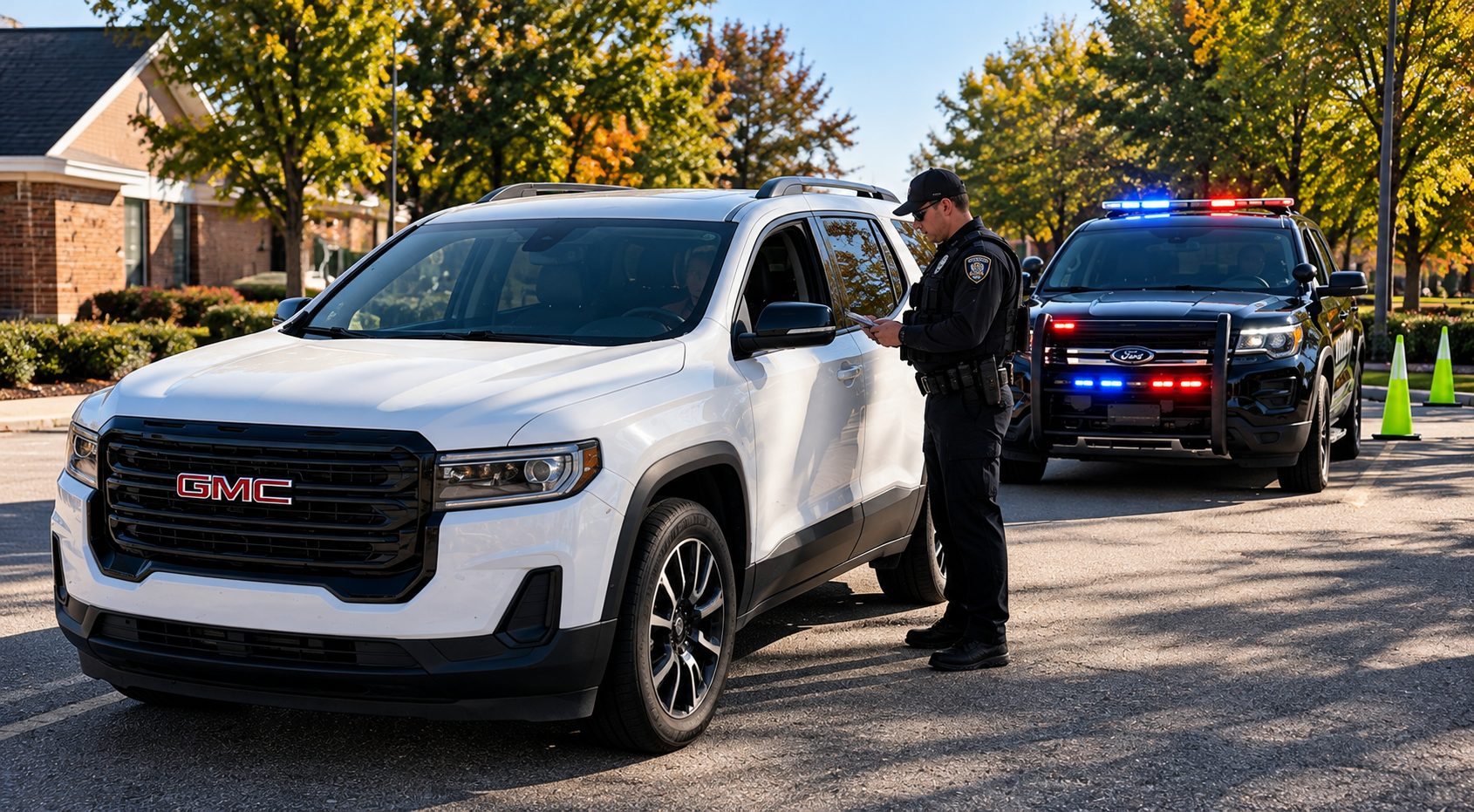
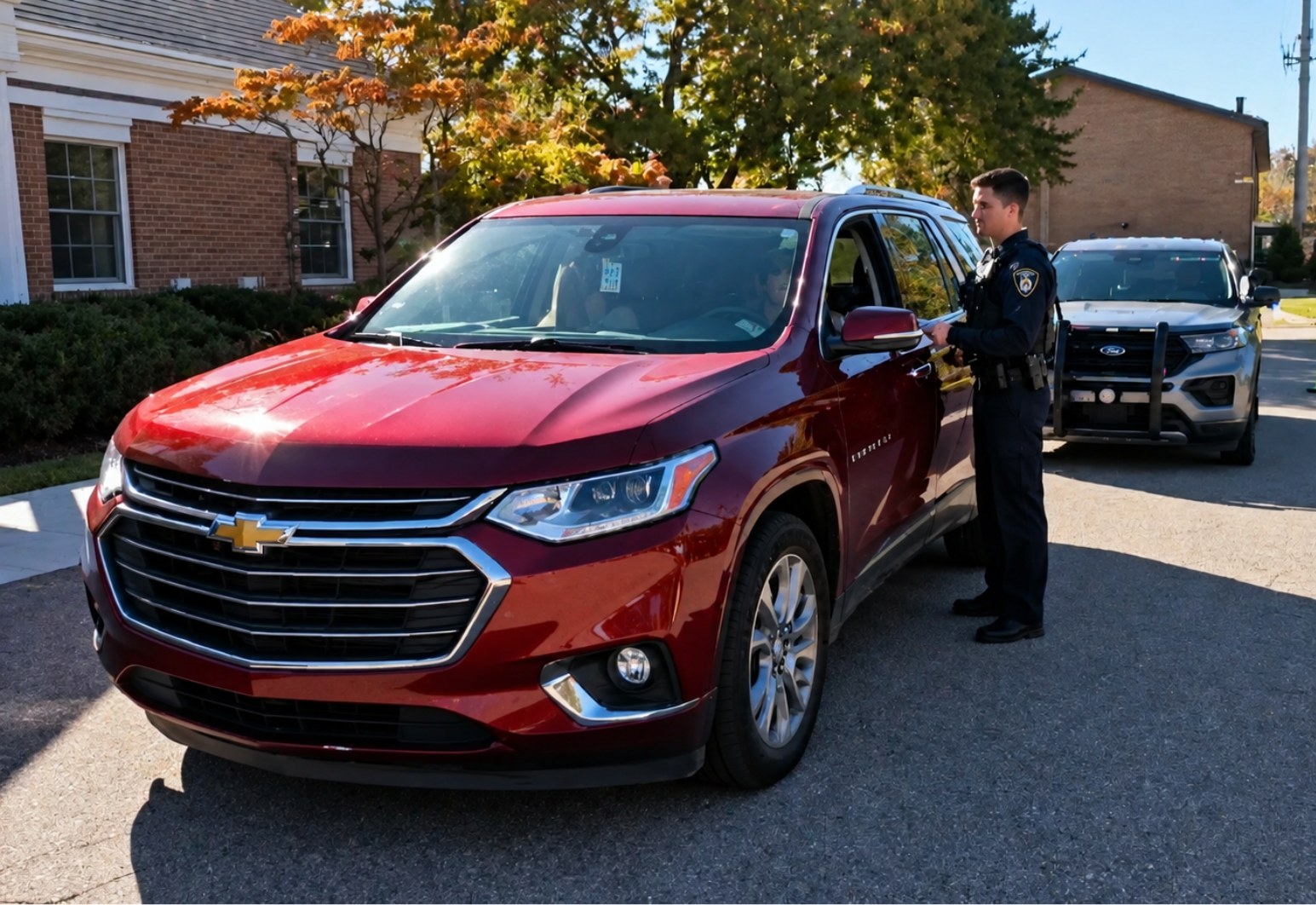
Pull over safely, keep your hands on the wheel and say, show or point: “I have a Blue Envelope.” Tell the officer where it is before you reach for it, then hand over the whole envelope.
- 3
Take Your Time
Answer in the way that works for you. The officer returns your papers in the envelope. Wait until the officer says you may leave.
Participant Tool Kit
Every participant receives the same Tool Kit in a blue folder when their registration is approved. It’s written for the participant, their family and their caregivers, and every fill-in page can be typed on a computer or filled in by hand. There’s no cost, now or ever.
Welcome Letter
A personal welcome and what happens next, with a first-week checklist.
CONNECT App Handbook
Step-by-step: download the app, sign in and keep the profile current.
ID Card, Lanyard Tag and QR Stickers
How the ID works, plus a Ready-to-Go checklist for home, car and outings.
Home Responder Sheet
A fill-in About Me sheet for the refrigerator, so responders know how to help at home.
Blue Envelope and Window Decal
What goes inside, where to keep it and what to do if you are pulled over.
Medication Information and Home Safety Checklist
Medications, devices and doctors for EMS, plus a room-by-room safety checklist.
Calling 911 and If Someone Goes Missing
What to say to 911, and the steps to take in the first 15 minutes.
Safety at Every Age
Scam and driving safety, and support for caregivers.
Your Privacy and Sharing With a School
Plain answers about who sees the information, and how school sharing works.
Meeting a First Responder
Safety stories for children, teens and adults to practice before it’s ever needed.
Downloads
Need a new card or tag, or a guide to the app and website? Download it here.