The S.A.V.E.S Project App
One statewide database and four apps, coming to the App Store and Google Play as “Saves Project.” Everyone signs in with their own account and works from the same up-to-date information.
Get the App
Once the app is in the stores, these buttons will send phones to the right store and computers to the web version.
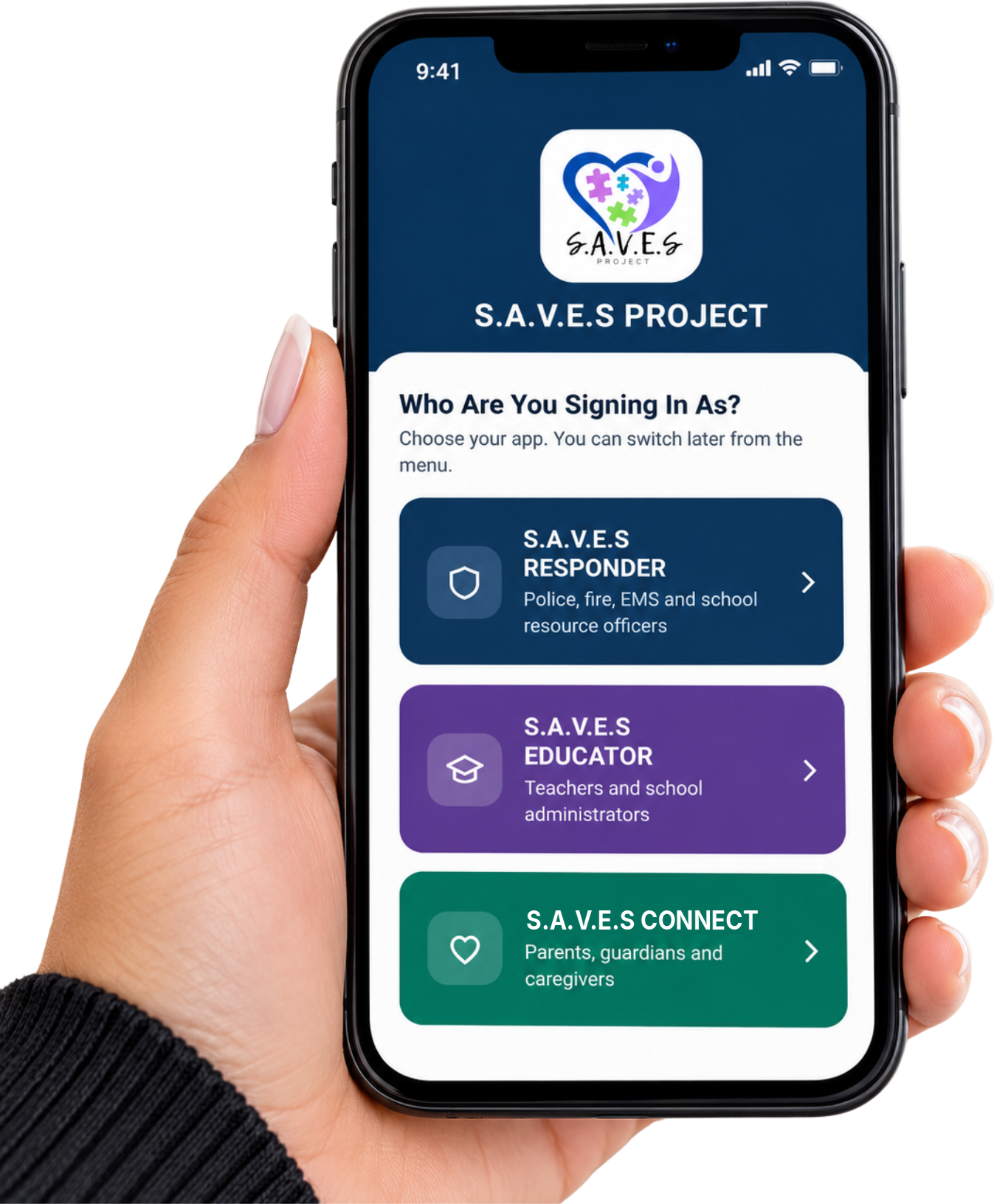
Four Apps, One Database
Each app is built for the people who use it, and shows them only what they need.
Built for Privacy and Security
Participant information is personal. The app is designed to protect it.
Everyone Signs In as Themselves
No shared logins. We always know who looked at a profile and when.
Authenticator Codes
Responders and S.A.V.E.S Project board members confirm every sign-in with an authenticator app.
Families Control Sharing
Schools and facilities see a profile only when the family turns sharing on.
Reviewed by Our Team
New registrations, updates and contact logs are reviewed by the S.A.V.E.S Project, usually within 24 hours.
Guidebooks
Updated, step-by-step guides for using our new website and each S.A.V.E.S app. Each one is a fillable PDF you can read online, print or share.
For Participants and Families
S.A.V.E.S CONNECT Family GuideKeep your loved one’s information current in the appPDF Website Guide for FamiliesEnrolling, your Tool Kit, downloads and signing inPDFFor Partners
S.A.V.E.S RESPONDER Officer GuidePolice, sheriff, fire, EMS and dispatchPDF S.A.V.E.S EDUCATOR Staff GuideTeachers, administrators and school staffPDF S.A.V.E.S FACILITY Administrator GuideAssisted living, nursing homes and group homesPDF Website Guide for PartnersRegistration pages, the public lookup and morePDFBring the App to Your Agency
Partner departments, schools and care facilities get app access for every member after training.